
AI Task CanvasLive product capture
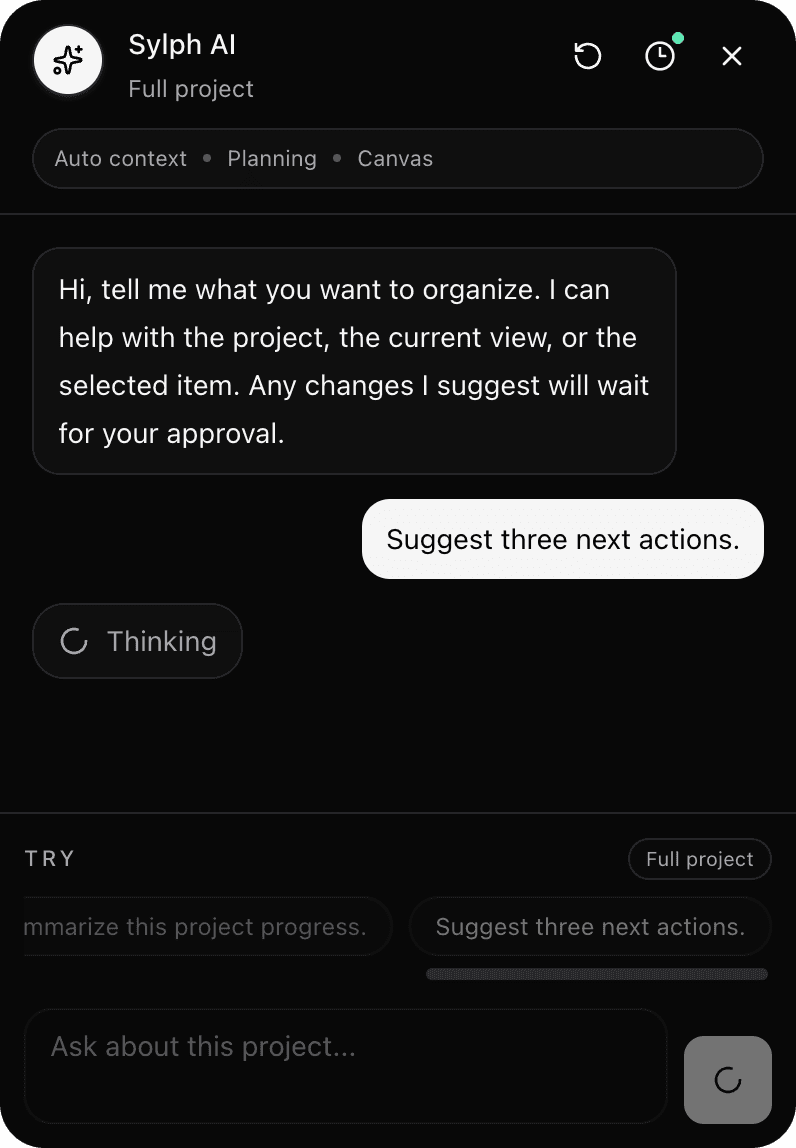
AI Task Canvas
Sylph AI helps brainstorm, refine project plans, summarize context, and suggest next actions inside an AI-assisted Task Canvas.
Ask about the current project, selected item, or canvas without rebuilding the context from scratch.
Use AI to turn messy thinking into possible next actions, subtasks, notes, or project refinements.
Keep AI suggestions as suggestions, with final changes staying under your control.
Why it matters
Project context
Sylph AI is meant to work with the plan you already have open. Instead of starting every prompt from zero, the assistant can sit near the project, canvas, notes, or selected item you are thinking about.
AI planning help
Use it when the next action is unclear, when a plan needs review, or when a messy idea needs a clearer shape. The goal is not automatic control; it is sharper thinking with less friction.
User control
Suggested edits are designed to be reviewable before they touch the workspace. That keeps Sylph useful for planning without making the app feel like it has taken over.
Questions
An AI Task Canvas combines a visual planning surface with contextual AI help. Sylph AI can use the current project and canvas context to suggest next actions, summarize progress, or help refine a plan.
Sylph AI is designed around user approval. It can suggest changes, but those suggestions should wait for you to review and approve them before they affect your workspace.