Task CanvasLive product capture
A new view for a restless soul.
Map the steps, connect the moving parts, and adapt your strategy without losing sight of the goal.
Visual planning
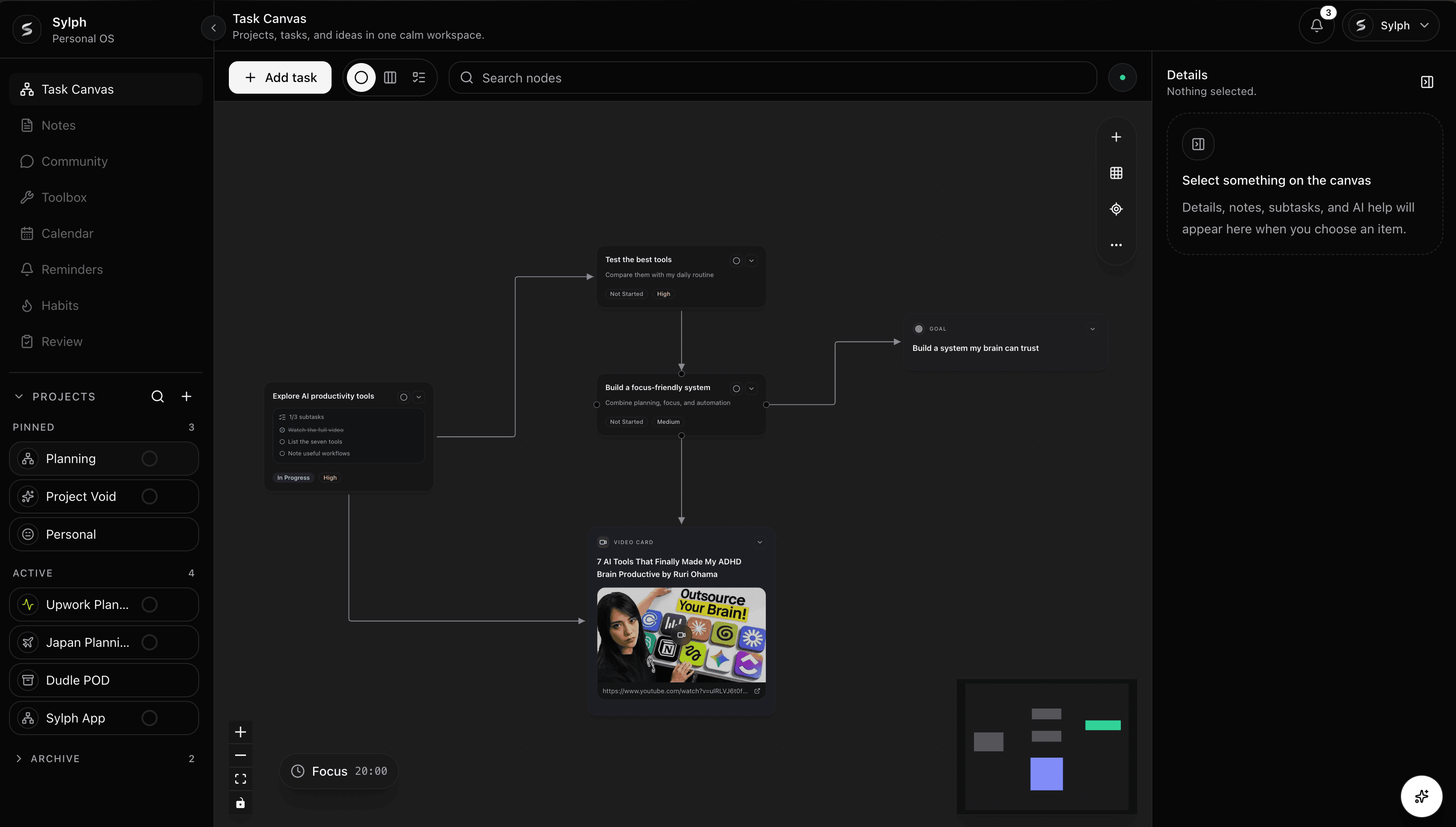
The Task Canvas gives complex work a visible shape. Arrange the steps, connect what depends on what, and keep room for the plan to change.
What is Sylph?
Sylph helps you see the whole plan before the first move: tasks, notes, deadlines, reminders, habits, reviews, and strategy all stay connected inside one calm workspace.
Arrange goals, tasks, dependencies, notes, and decisions as connected nodes before they become scattered work.
Keep Canvas, Kanban, and List views synced so the same task can move between planning modes without duplicate records.
Bring notes, dates, reminders, habits, and reviews into the same project context instead of spreading them across tools.
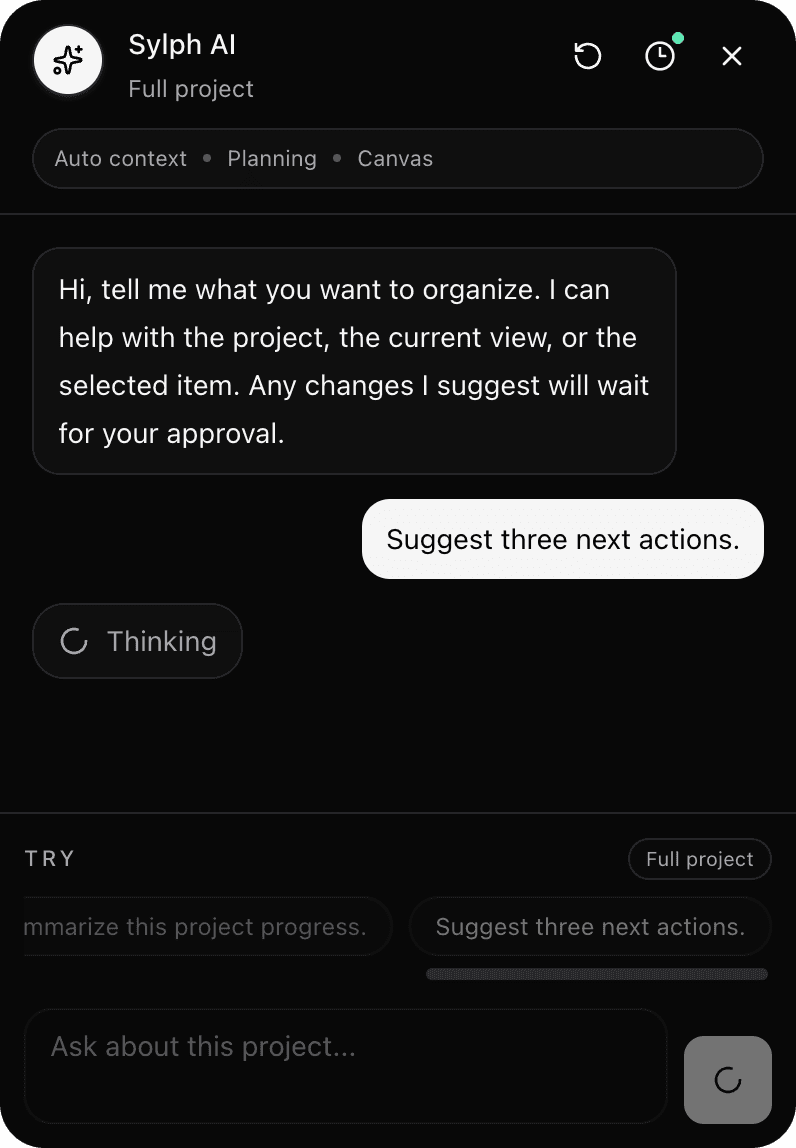
Use Sylph AI for brainstorming, refining plans, and next-action suggestions while every change still waits for approval.
Use cases
Sylph is for people whose work has relationships: dependencies, context, deadlines, scattered notes, changing priorities, and ideas that need to become action.
Break a big outcome into visible stages, dependencies, next actions, and review points without flattening the plan into a plain checklist.
Explore visual planningTurn rough ideas, research notes, drafts, and publishing tasks into one connected workflow for content, products, or client work.
Explore notes and tasksUse deadlines, reminders, habits, and reviews to keep study plans, life admin, and recurring responsibilities from drifting away.
Explore project notesAsk Sylph AI to summarize context, suggest next actions, and help refine plans while you stay in charge of every change.
Explore Sylph AIStrategic planning
Sylph does not promise to think for you. It gives you a clearer surface for thinking through what happens next, what depends on what, and where the plan may need another path.
Turn a large objective into connected stages.
See both the immediate next step and the larger outcome.
Rearrange the plan as priorities, blockers, or timing change.
Workspace system
Separate plans into projects with their own Canvas, notes, task views, and planning context.
Switch between Canvas, Kanban, and List views while keeping the same underlying task records.
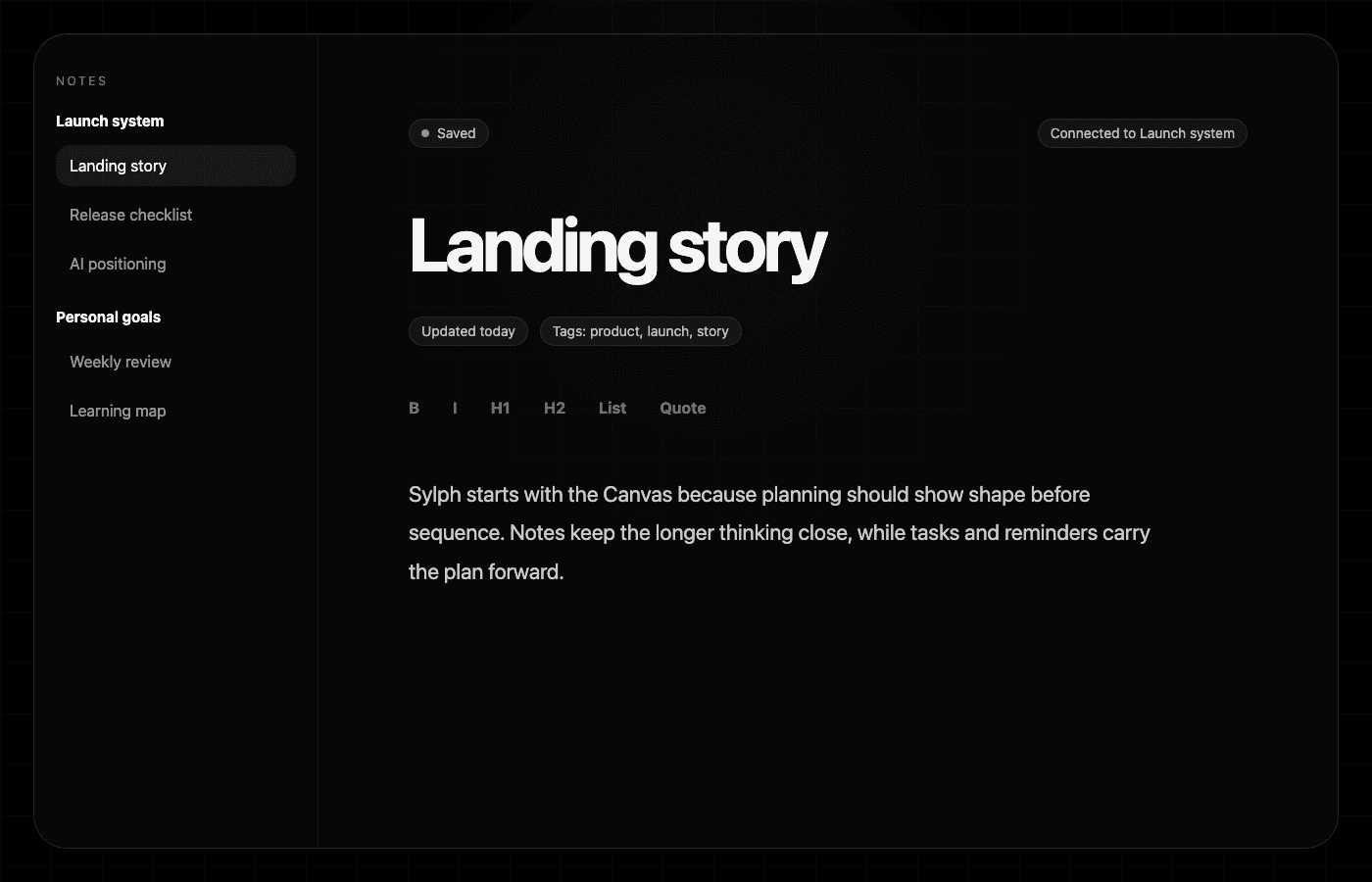
Capture longer thinking in direct-editing notes that can stay connected to projects and tasks.
Ask contextual questions, refine plans, and approve every suggested change before it touches your work.
Plan around dates, reminders, recurring habits, lightweight reviews, and focus time.
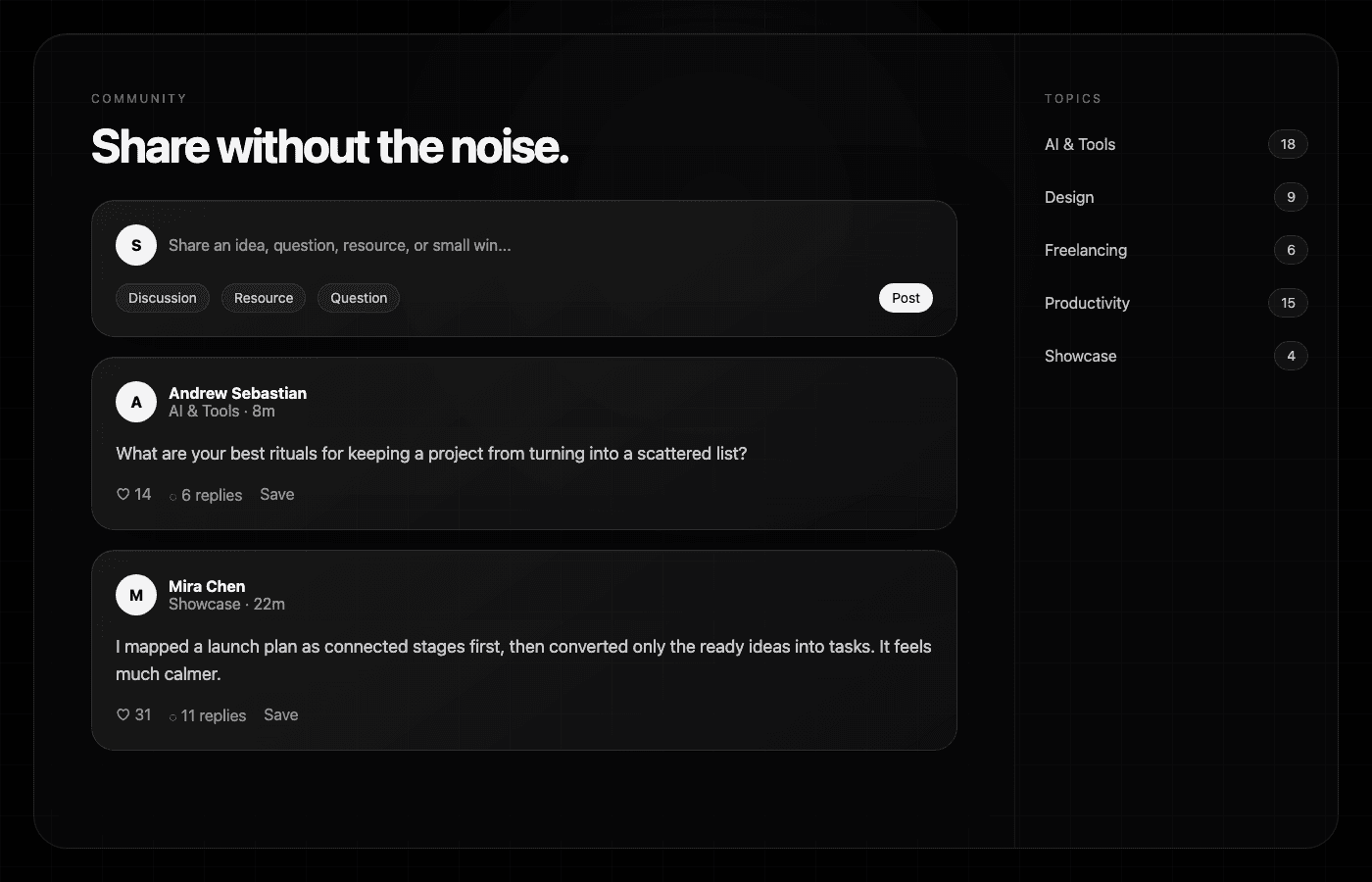
Discuss ideas, ask questions, share resources, and learn from the wider Sylph community.
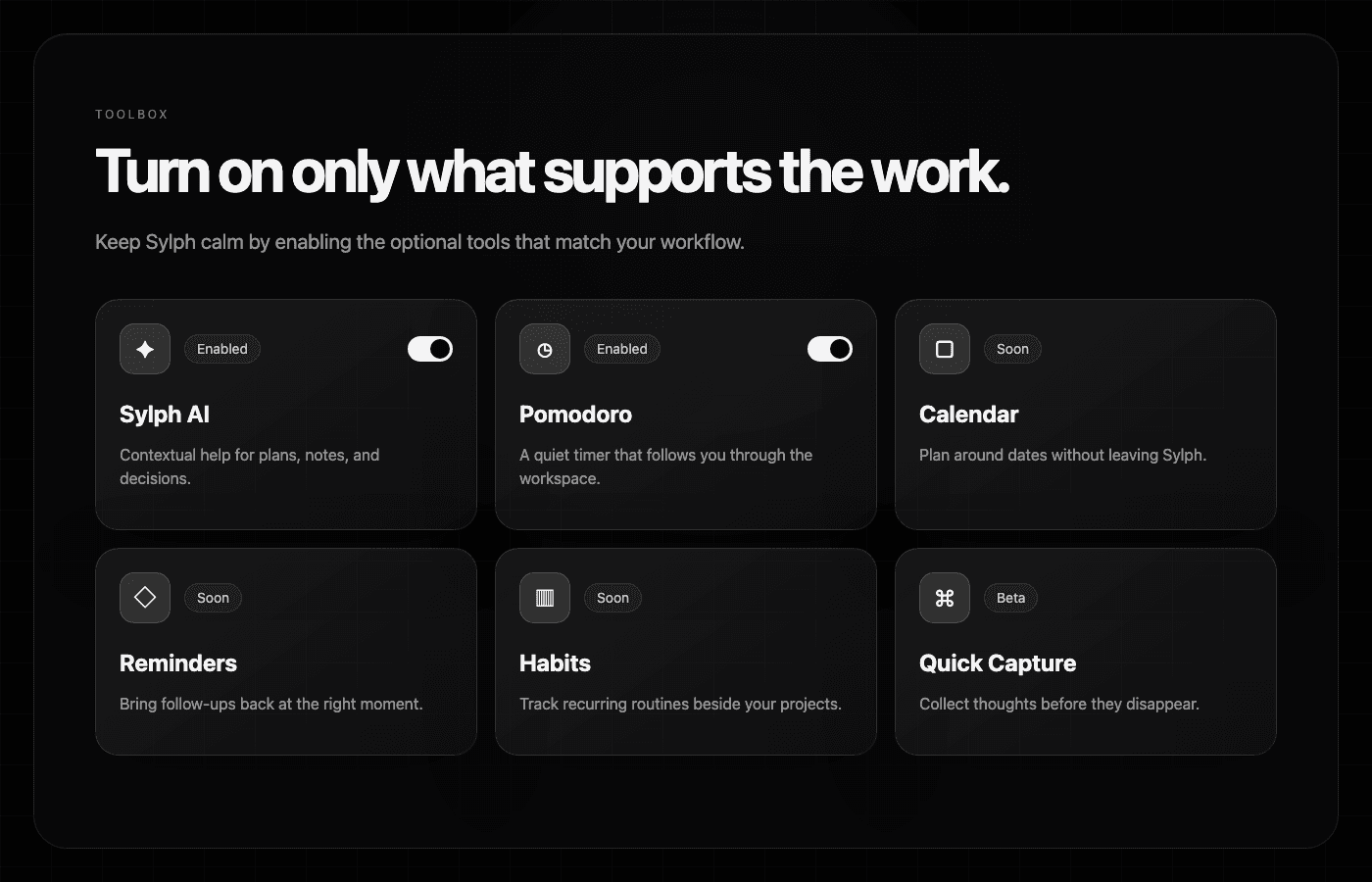
Turn optional tools on or off so the workspace stays focused as Sylph grows.
How it works
The workflow is intentionally simple: start loose, make the structure visible, then keep the system alive as work changes.
Capture the goal, idea, or project before it disappears into a generic list.
Connect tasks, notes, stages, and decisions so the plan shows how work actually flows.
Use views, reminders, habits, reviews, and AI support to keep the plan alive as reality changes.
Start with ideas, goals, and loose pieces of work. Arrange them visually before they become rigid commitments.
Task Canvas / Brainstorm / Sylph AI
Keep the writing, source material, and planning notes close to the work they support.
Notes / Projects / Community
Bring time, follow-ups, routines, and reflection into the same calm planning rhythm.
Calendar / Reminders / Habits / Reviews / Pomodoro
New features added monthly
Sylph is being shaped as a long-term personal operating system: visual planning first, with the supporting tools growing around the way people actually think, write, schedule, and review.
New features added monthly
Notes, AI, Community, Calendar, Reminders, Habits, Reviews, and optional tools grow around the same calm planning core.
Questions
Straight answers for people comparing Sylph with task managers, Kanban boards, notes apps, and AI planning tools.
Sylph is a visual project planning app built around an AI-assisted Task Canvas. It helps you map tasks, notes, deadlines, reminders, habits, reviews, and project strategy in one focused workspace.
Most task managers start with a list or board. Sylph starts with a canvas, so you can see the whole plan, connect moving parts, and then switch into Kanban or List views without duplicating tasks.
Yes. Sylph is designed so projects, task views, notes, calendar planning, reminders, habits, reviews, focus tools, and optional toolbox items can support the same plan instead of living in separate places.
Sylph AI can help brainstorm, refine plans, and suggest next actions using the context of your project and canvas. Suggested changes stay under your control and wait for your approval.
Sylph is designed first as a personal operating system for individuals who manage complex work, ideas, studies, content, or projects and want a calmer planning surface than scattered lists.
A new view for a restless soul.